Use cases
Made for any room with an audience.
From lecture halls to boardrooms, Mashbyte adapts to the way you present. Here is how different teams use it.
Lectures and tutorials where every student can see the slide and answer.
A typical session
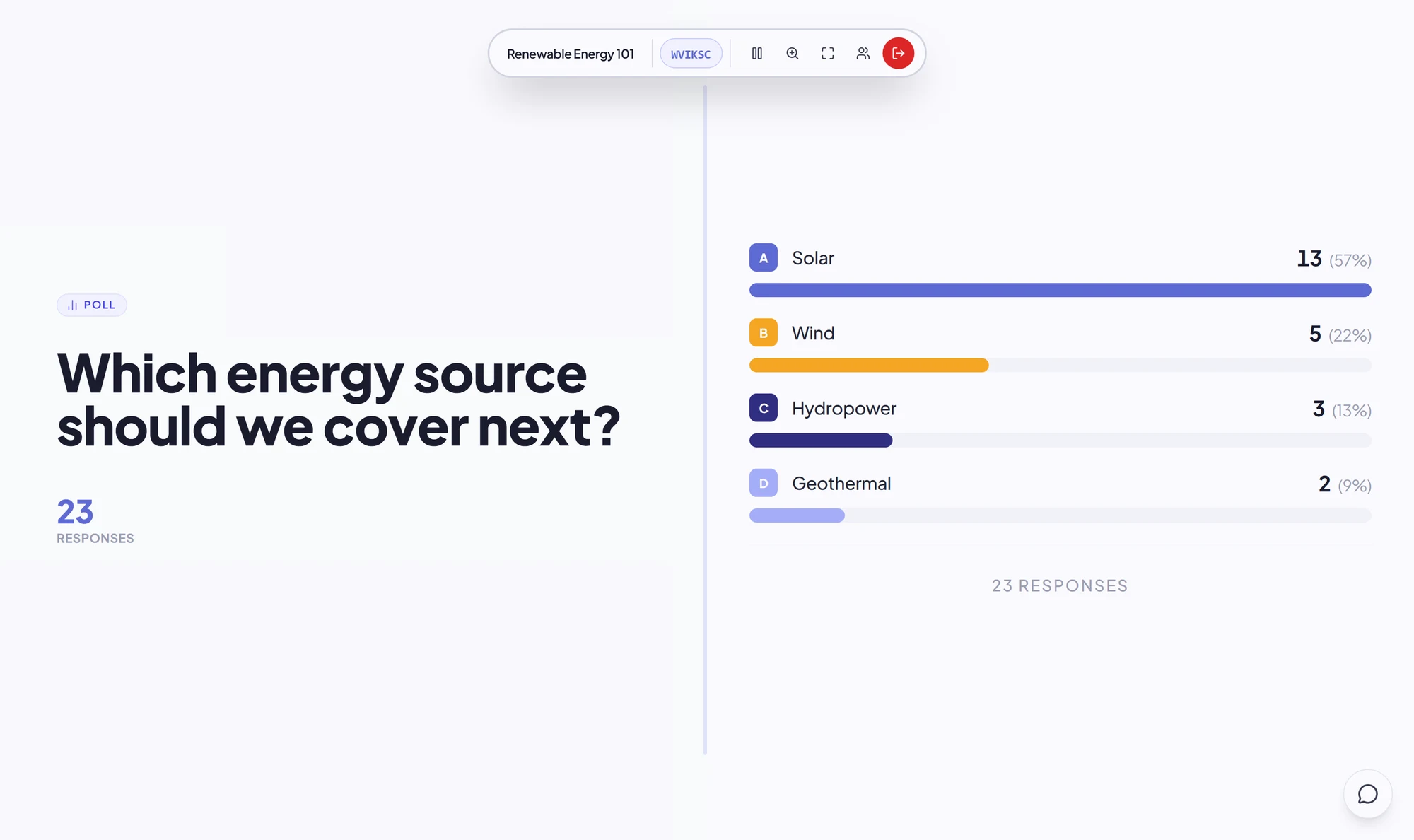
A lecturer uploads the week’s slides, puts the code on the projector, and runs a graded multiple-choice question after each topic. Afterwards, the results page shows which concepts need revisiting.
- Check understanding with graded polls
- Students zoom into diagrams and code
- Review scores after class
Onboarding and workshops that keep trainees engaged on their own laptops.
A typical session
An L&D team runs onboarding with knowledge checks after each module. A guest trainer presents the same deck using a link and PIN, without a shared login.
- Knowledge checks with correct answers
- Questions via Q&A, no mic needed
- Guest trainers without shared logins
Talks where the whole hall follows along on their phones.
A typical session
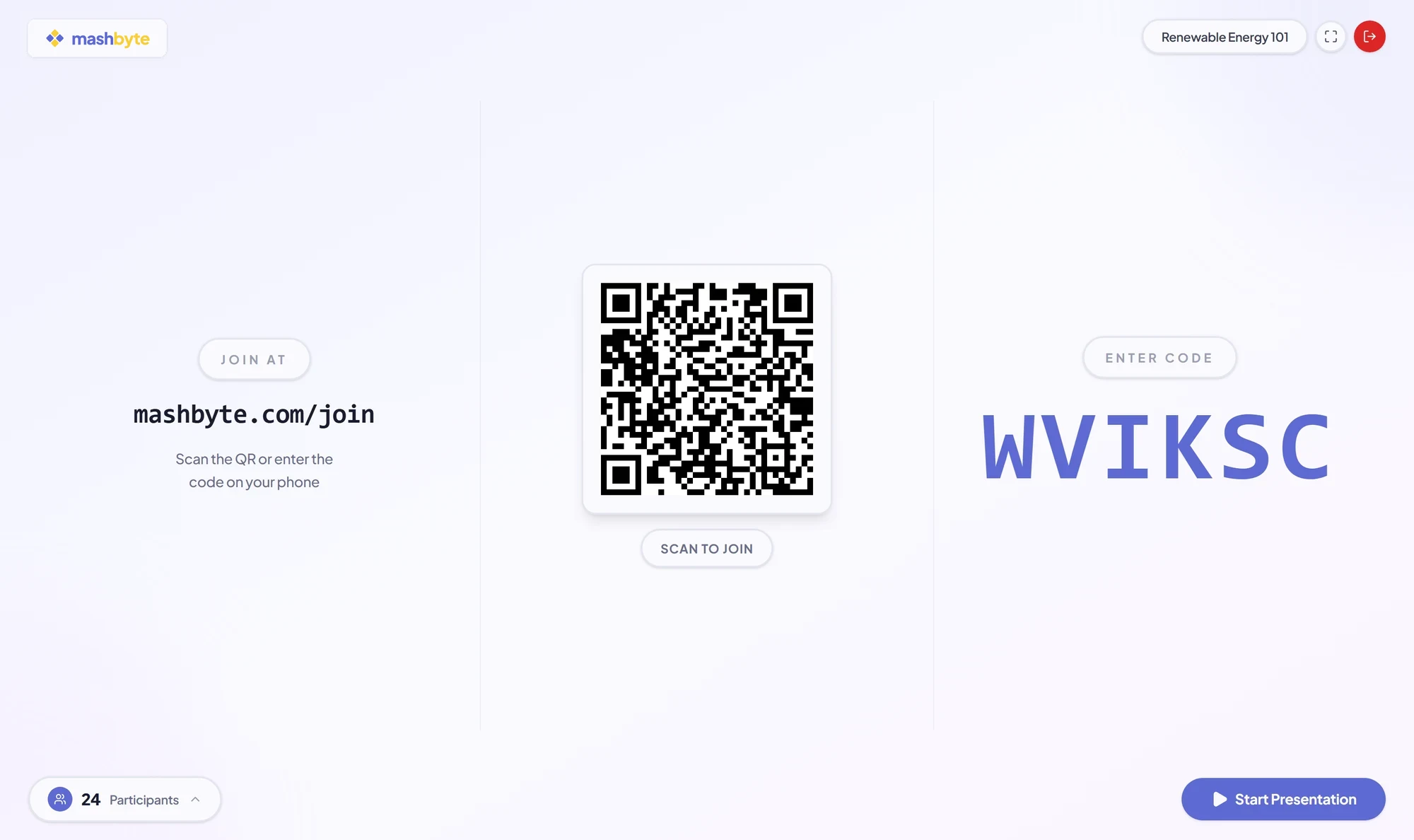
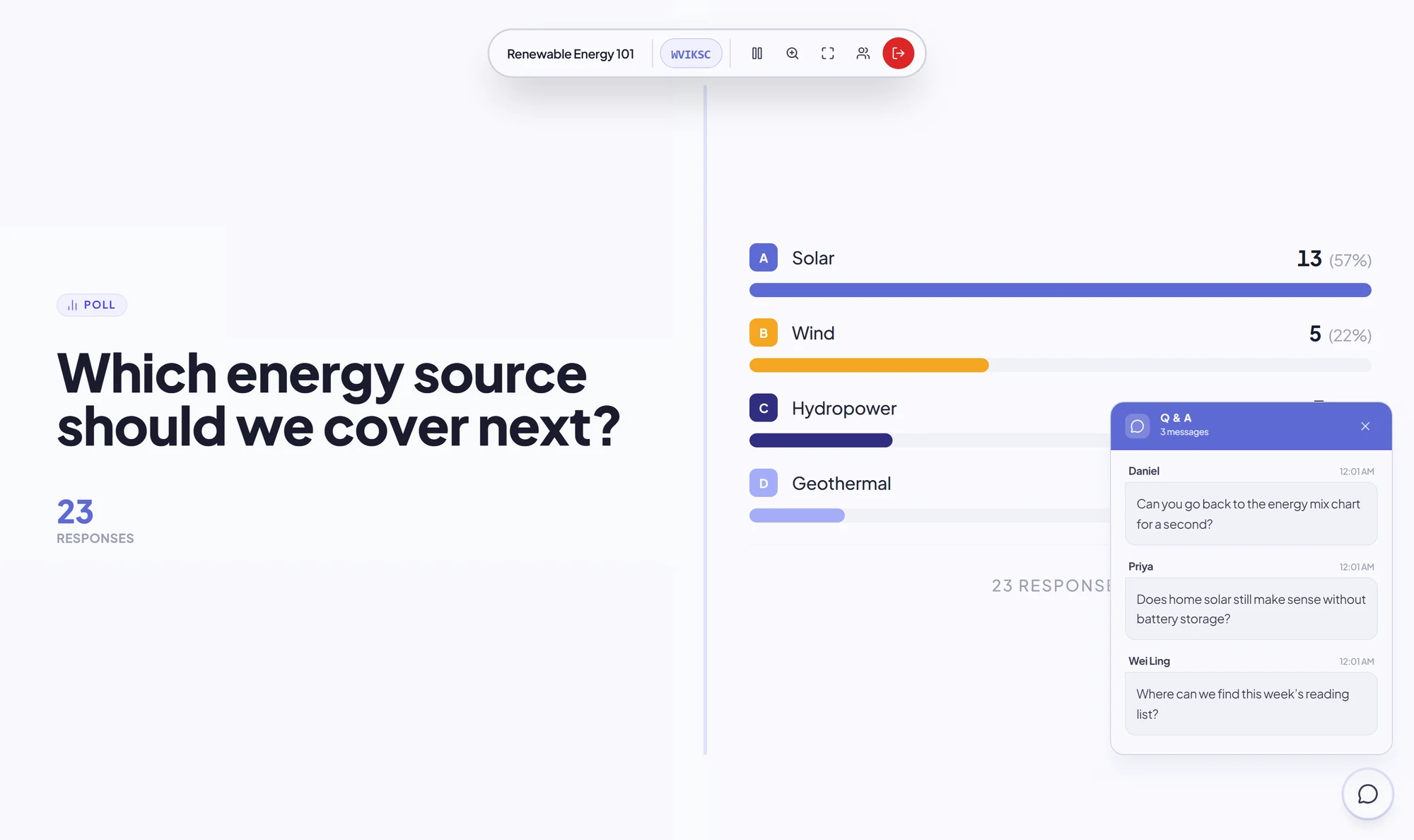
A speaker puts the QR code on the first slide. The hall follows on their phones, rates the talk at the end, and sends questions without queueing at a microphone.
- No projector quality issues
- Rating polls for instant feedback
- Questions without passing a mic
Present to people in the room and on calls at the same time.
A typical session
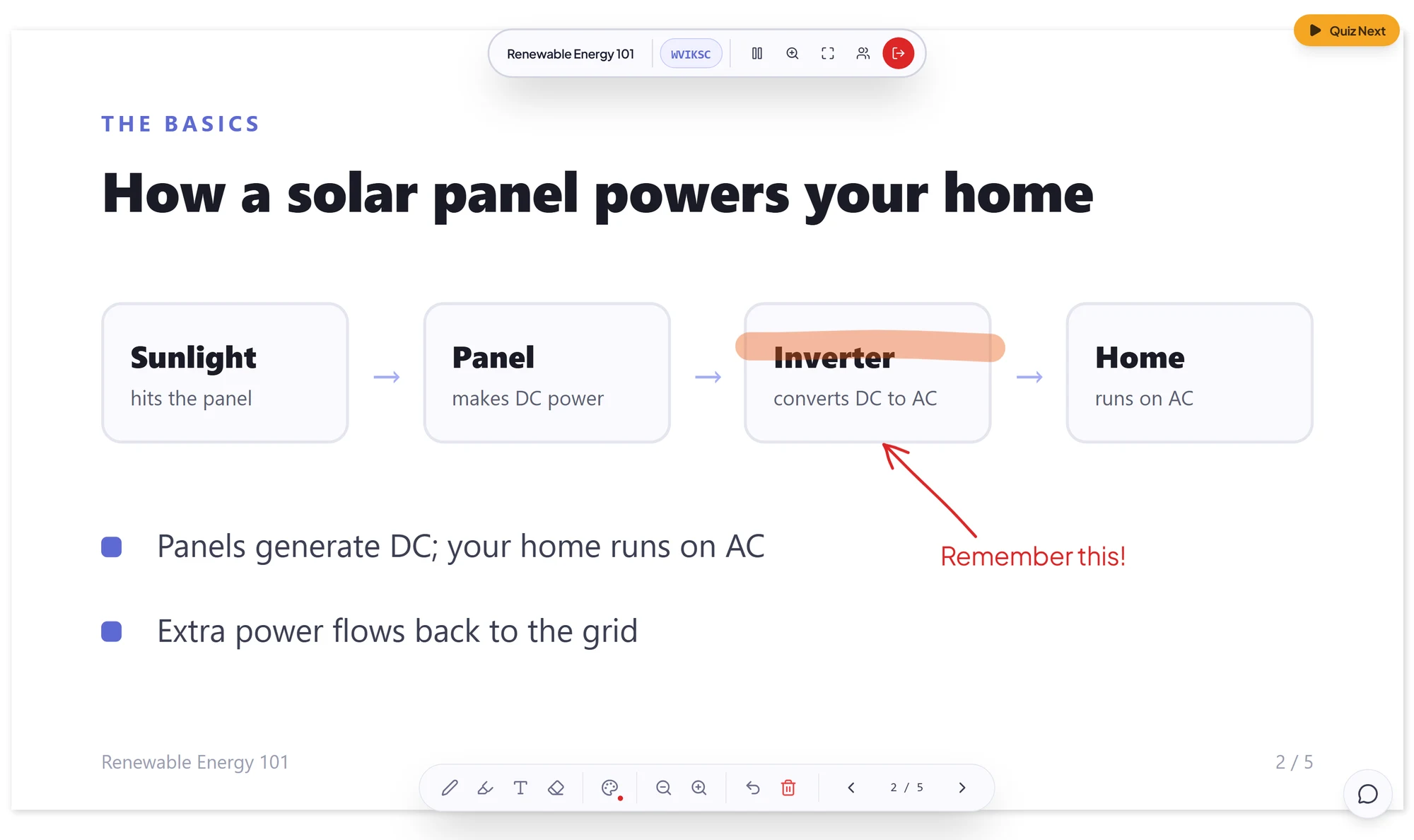
A team lead presents to people in the room and on a call at once. The slides stay sharp on everyone’s screen even when the video call stutters.
- Slides separate from the video call
- Low bandwidth: data, not video
- Slides stay if a connection drops
Comparison
Why not just share your screen?
Screen sharing sends a video of your slides. Mashbyte sends the slides themselves, rendered on every device.
FAQ
Frequently asked questions.
No. They open the join page in any browser, enter the 6-character code (or scan the QR code) and type a display name.
Ready to transform your presentations?
Switch from screen sharing to Mashbyte for your next session.